Rebuild Your Focus with the Kindle App
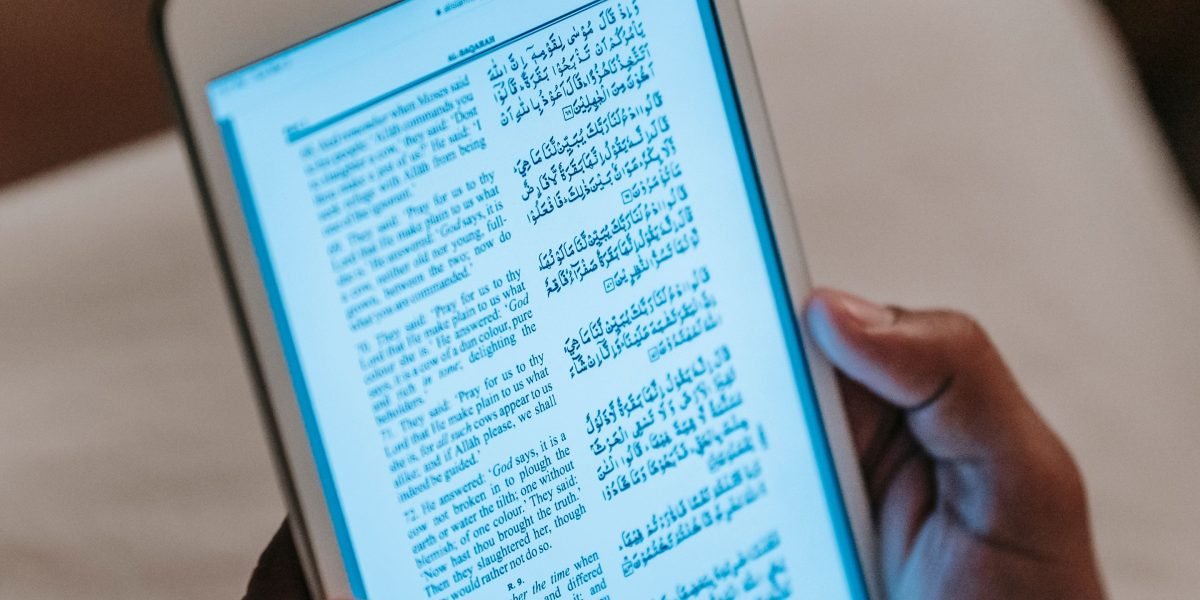
You sit down with your phone, ready to read a chapter. Then a notification pops up.

You check it. Then another. Before you know it, forty minutes have passed and you’ve scrolled through three apps without reading a single page. Sound familiar? You’re not alone.
Our world is built for distraction. Research shows that the average person’s attention span while using a digital device has dropped to just 47 seconds. That’s down from two and a half minutes just a few years ago. These stats on decreasing attention span reveal a real problem: our devices are pulling us in too many directions at once.
But here’s the thing. The same smartphone that fragments your focus can actually help you rebuild it. The key is changing how you use it.
The Kindle app turns your phone or tablet into a focused reading tool.

Instead of jumping between social feeds and email, you can settle into a book. No notifications. No multitasking. Just you and the words. It sounds simple, but using the Kindle app deliberately can retrain your brain for deep concentration.
In this article, you’ll learn evidence-based strategies to rebuild your attention span using the Kindle app and its ecosystem. We’ll cover how to set up a distraction-free reading environment, pick the right books, and build a consistent habit that makes focus stick.
Concentration improves when attention has authority. Take back yours. If you’re ready to start, here’s a great first step: Reclaim Your Focus.
And if you want to dive deeper into the specific features that make the Kindle app a concentration tool, check out our full guide on how the Kindle app can help you rebuild your focus.
The Attention Crisis: Why We Struggle to Focus
Have you ever felt like your brain is being pulled in ten directions at once? You’re trying to work, but your mind keeps jumping to what’s next. That feeling has a name: continuous partial attention.
It means you’re always half-focused on the present while scanning for something better. Your brain never settles into deep concentration. This constant scanning takes a real toll. According to the latest 2026 decreasing attention span statistics, our ability to stick with one task keeps dropping. And the more we switch, the harder it gets to focus at all.
So what causes this crisis? Two things: external triggers and internal habits.
External triggers are all around you. Notifications buzz. Apps are designed with algorithms that keep you scrolling.
These systems are built to hijack your attention for profit. The technologies of distraction are intentional, not accidental. Every ping trains your brain to expect interruption.
Internal factors make it worse. Anxiety makes you check your phone for relief. Multitasking feels productive but actually drains your mental energy. Every time you switch tasks, your brain pays a cost. Over time, this habit weakens your ability to sustain focus even when you want to.
The science backs this up. Gloria Mark’s research shows that as attention spans shrink, stress levels rise. Your body stays in a state of low level alert. This is not a natural way to live. It’s a learned response to a digital environment that never stops demanding your attention.
Here’s the key insight: you can redesign that environment. The same devices that distract you can become tools for focus. It just takes a shift in how you use them.
For example, one simple step is to clean up your digital space. If you are tired of app chaos, check out this guide on how to organize your app library for better focus. It helps you remove the noise so you can choose what to pay attention to.
This crisis is not your fault. The systems were built to grab your focus. But now you see the game. You can play differently. To go deeper into how everyday apps silently shape your attention, read this field note on how your attention is being quietly hijacked. Understanding the mechanism is the first step to taking back control.
How the Kindle App Cultivates Deep Focus
One of the most powerful tools for redesigning your digital environment is the kindle app. Unlike the apps that fight for your attention, this one gives you space to breathe. Think of it as a quiet room for your brain.
The kindle app strips away everything that makes other apps distracting. It has an immersive reading mode that hides menus, popups, and suggestions. You can adjust the font size, background color, and screen brightness to match your comfort. There are no social feeds scrolling in the margins. No notifications begging for a tap. No endless loops of content designed to keep you hooked.
Compare this to apps like google books or social media platforms. Those tools overflow with features, recommendations, and alerts. They pull you in one direction, then another. The kindle app does the opposite. It points you in a single direction: forward through the book. This linear, uninterrupted reading builds a rhythm. Your mind settles into the story or the information. You stop scanning. You start sinking in.
And here is where the science gets interesting. When you read in a focused, linear way, your brain enters something called a flow state.

This is a deep concentration where time seems to disappear. Your default mode network gets busy connecting ideas and building understanding. The kindle app supports this by reducing the mental load of navigation. You are not switching between tabs or checking email. You are just reading.
Research on reading on paper versus screens shows that reading on paper is visually less demanding. The kindle app mimics that calm, tactile experience. It creates a space where your brain can let go of the noise and focus on one thing.
This is also why the kindle app works so well for group reading. If you are part of an online book club or wondering how to start a book club, the app makes it easy. You can highlight passages, share notes, and discuss ideas without leaving your reading state. It turns reading into a shared experience without the chaos of a comment thread.
The behavior behind this focused reading is powerful. When your brain enters a flow state, it stops looking for the next distraction. It settles into deep work. For a formal look at this mechanism, you can read The Science of Gamification. It explains how these focused states are built and why they matter.
If you want to take the next step, this guide on how the Kindle app helps rebuild your focus walks you through the specific settings and habits that make the app a concentration tool.
Here is the key takeaway. Your attention has authority. When you give it a quiet, linear space like the kindle app, it does the rest. Start small. Open the app. Pick a book. Read one page without interruption. Then another. That is how you rebuild focus. Reclaim Your Focus and let your brain do what it does best.
The Science of Attention and Digital Reading
So why does this simple act of reading one page without interruption actually rewire your brain for better focus? It all comes down to the science of attention and how deep reading shapes your neural pathways.
Deep reading is not the same as skimming a news headline or scrolling through social media. It is a specific cognitive state where your brain slows down, processes information sequentially, and builds mental models of what you are reading. Neuroscientists call this deep reading. When you engage in it, your brain activates the dorsal attention network, which governs goal directed focus. At the same time, it suppresses the default mode network, which is the part of your brain responsible for mind wandering and self referential thoughts.
Here is the interesting part. The more you practice deep reading, the stronger these attentional networks become. Think of it like a muscle. Every time you sit down with a book and read without interruption, you are strengthening the neural circuits that help you concentrate. And if you practice with the kindle app, you are giving those circuits the ideal training ground.
A study comparing comprehension of a long text on Kindle DX and in print found that participants who read on the Kindle performed similarly to those who read a printed book. The key factor was not the device itself but the reading environment and mindset. The kindle app can create that environment by stripping away the distractions that pull you out of deep focus.
The science of flow state fits right here. When you enter flow, your brain releases a cocktail of neurochemicals including dopamine and norepinephrine. These chemicals sharpen your focus and make the reading experience feel effortless. The kindle app supports flow by removing friction. You do not stop to check notifications. You do not switch apps. You just keep turning pages.
If you want to strengthen this habit, start by cleaning up your digital environment. A great place to begin is learning how to organize your app library for better focus. When your phone is set up for concentration, the kindle app becomes your go to tool for deep work.
Not all digital reading is created equal though. Social media platforms and many other apps are designed to fragment your attention. They use algorithms that reward quick scanning and emotional reactions. This constant switching trains your brain to be distracted. If you are curious about the architecture behind these attention grabbing systems and how to build platforms that work differently, Silicon Review highlights a framework called VRS that was designed to offset the negative side effects of social algorithms.
The bottom line is simple. Deep reading is a workout for your attention span. Every focused session with the kindle app strengthens your ability to concentrate. Your brain learns to settle into a single stream of thought. And that skill carries over into every part of your life.
The Role of Flow State
Flow state is that feeling of being completely lost in what you are doing. Time blurs. The outside world disappears. Psychologists say flow requires three conditions: a clear goal, immediate feedback, and the right balance between challenge and skill.
Reading a gripping book on the kindle app checks all three. Your goal is simple: find out what happens next. The feedback comes instantly as each sentence pulls you deeper. And a well written story adjusts its challenge to keep you engaged without frustration. That is why the kindle app is such a natural gateway to flow.
The kindle app also protects your attention. No notifications pop up. No alerts steal your focus. That uninterrupted environment is critical for reaching flow. A study comparing comprehension of a long text on Kindle DX and print found that digital reading can match paper when the setting supports focus. The kindle app delivers that setting.
To build this habit, clean up your digital space first. A great next step is to learn how to organize your app library for better focus. Clearer phones lead to deeper reading flow.
Concentration improves when attention has authority. Reclaim Your Focus and let the kindle app help you enter flow, one page at a time.
Practical Strategies for Reading with Intention
Getting into flow with the kindle app is great, but you also need a plan to make it a habit.

Here are three practical strategies to read with intention and keep your focus sharp.
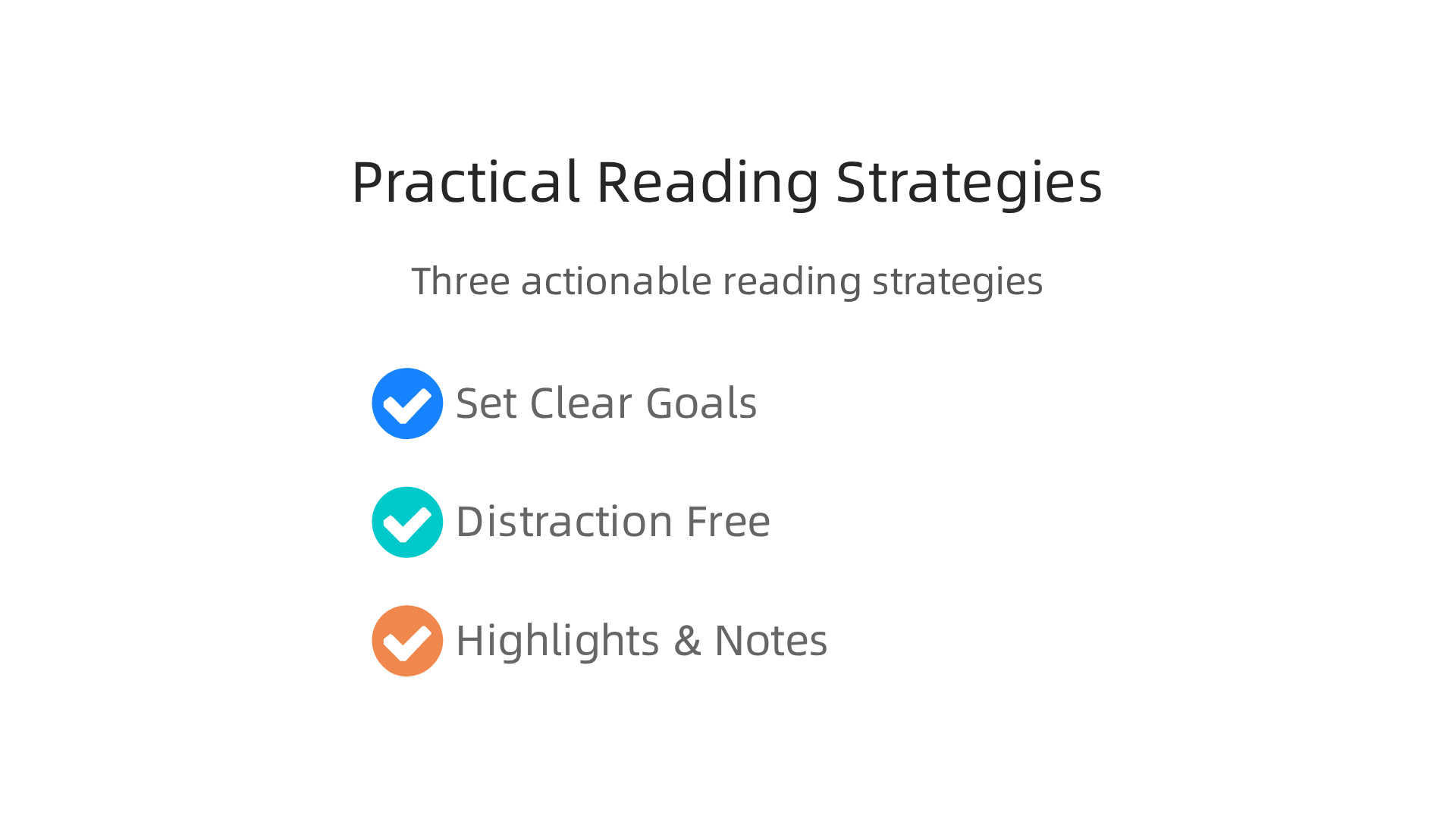
Set clear reading goals. Decide how much you want to read each day. It could be 15 minutes or 20 pages. Having a target gives your brain a clear goal, which is exactly what flow needs. The kindle app shows your reading progress, so you can see how you are doing. You can also create themed reading lists to stay motivated. For example, read three books on focus or one novel per month. A book tracker can help you stay on course. Learn how to rebuild your concentration with a book tracker.
Create a distraction-free environment. Your surroundings matter a lot. The kindle app already blocks notifications, but you should also put your phone on airplane mode during reading time. Pick a consistent time each day, like right after breakfast or before bed. This trains your brain to expect focus. Make sure your reading spot is comfortable and quiet. For more tips on managing distractions, check out these research-backed strategies for focused reading.
Use highlights and notes for active reading. Reading is better when you interact with the text. The kindle app makes it easy to highlight passages and add notes. This keeps your mind engaged and helps you remember more. It also gives you immediate feedback as you connect ideas. This active reading approach taps into your brain’s reward system, a behavioral mechanism that reinforces learning. If you want to understand how that works, check out The Science of Gamification.
Try these strategies one at a time. Small changes add up to a stronger reading habit. Start with just one goal today and see how your focus improves.
Creating a Distraction-Free Reading Environment
You have the kindle app open and a book ready. But if your phone buzzes or the light hurts your eyes, your focus breaks. Here is how to build a space that helps you stay in the zone.
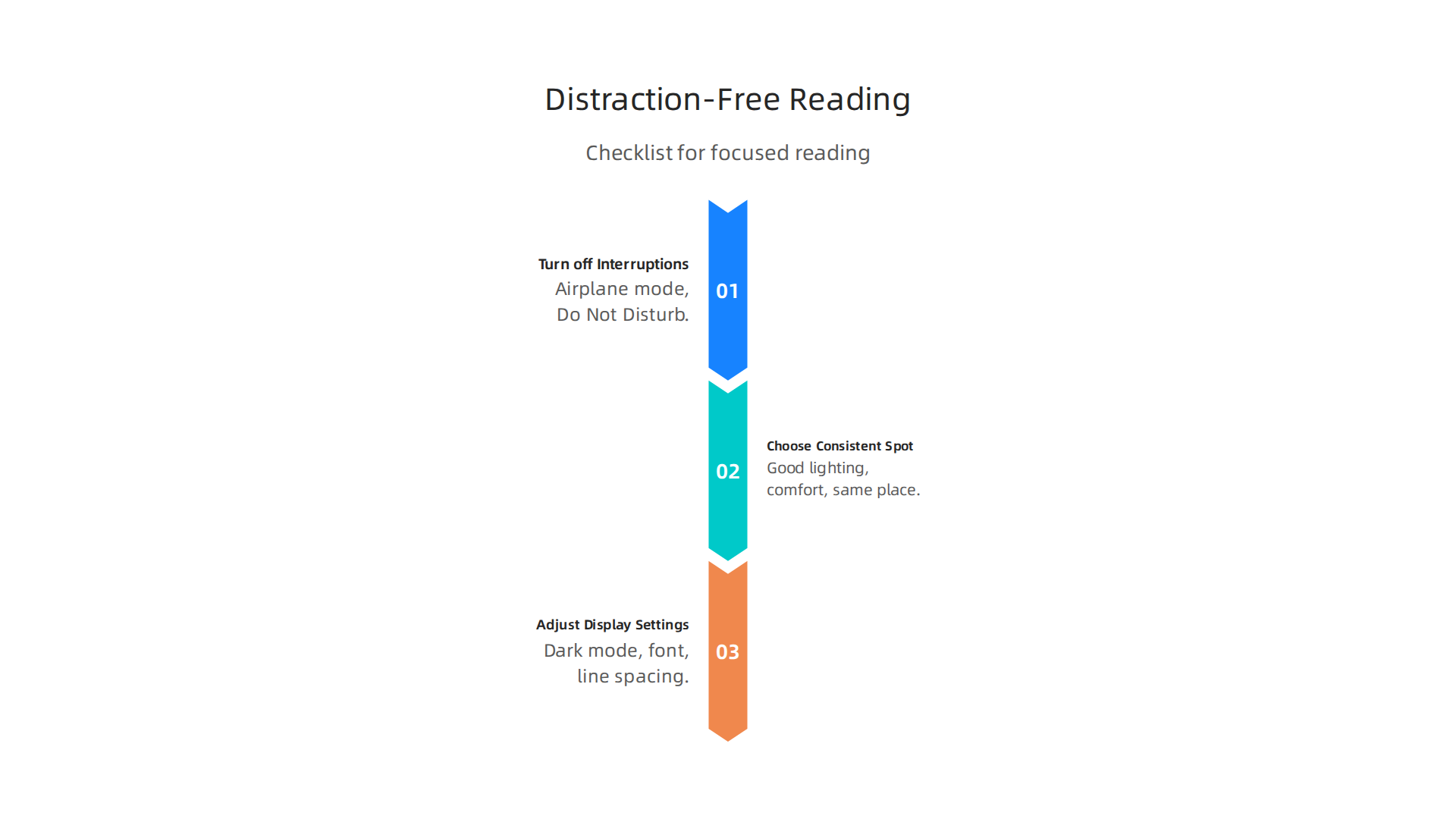
Turn off all interruptions before you start. Put your phone on airplane mode and activate Do Not Disturb. The kindle app already blocks in-app notifications, but a phone ping can still pull you out of flow. Research confirms that managing your digital environment directly helps you focus. Learn more about how to focus on reading in the age of distractions.
Choose one consistent reading spot. It can be a corner of your couch or a desk chair. Good lighting and comfort matter. When you read in the same place at the same time each day, your brain learns to switch into focus mode quickly.
Use the kindle app display settings to reduce eye strain. Dark mode is great for low light. You can also adjust font size, style, and line spacing. These small tweaks make reading easier on your eyes and help you read longer without losing attention. When your eyes relax, your focus stays steady.
Set your environment first, then open your kindle app. For more ways to stay on track, read about how the kindle app rebuilds focus.
Take one step today to protect your attention. Reclaim Your Focus.
Overcoming Digital Distractions with Purposeful Reading
You set up your perfect reading spot. You dimmed the lights. Yet ten minutes into your book, your thumb drifts toward the social media icon. Sound familiar? That impulse is not your fault. Apps are built to trap your attention with notification loops and endless feeds. Devices and platforms are intentionally programmed to hijack your focus. The same mechanics that make you check your phone fifty times a day are what keep you from finishing a chapter.
Recognizing these patterns is the first step. That quick swipe to another app is a habit, and habits can be replaced. Instead of letting your thumb run on autopilot, open your kindle app. When you choose the kindle app over a social feed, you are actively choosing to reclaim your attention. The kindle app is designed for slow, deep focus. There are no pop-ups or algorithm-driven suggestions pulling you sideways. Just the page you are on.
Here is where the idea of "Attention Authority" comes in. You are the only one who decides what deserves your focus. Taking back that authority means designing your digital space around purpose, not impulse. One practical move is to hide distracting apps off your home screen and put the kindle app where you see it first. You can also learn to break the open app habit by replacing the reflex with one tap into a book.
The kindle app gives you a focused space that other platforms cannot match. When you make it your default, you stop reacting and start reading with intent. You become the authority over your attention.
Concentration improves when attention has authority. Choose the kindle app now and start reading with purpose. Reclaim Your Focus.
Building a Sustainable Reading Habit for Long-Term Focus
You have reclaimed your attention and made the kindle app your default space. Now comes the real challenge: turning that win into something that lasts. A single focused session is great. A daily reading habit, though, is what rewires your brain for good.
The key is consistency over intensity. It does not matter if you read for forty minutes one day and then skip a week. What matters is a small, repeating action. Pick a time that already exists in your day. Twenty minutes before bed works well because your phone is normally nearby anyway. Instead of scrolling, tap the kindle app and read a chapter. After a few nights, your brain starts expecting that quiet window. The impulse to check social media fades.
Tracking your progress makes the habit stick. The kindle app includes reading insights that show your streaks, pages turned, and reading speed. When you see a seven day streak, you feel a small pull to keep it going. That pull is powerful. You can learn more about how book tracking apps build a reading habit and how they trigger that same motivation.
Community adds another layer of accountability. Joining an online book club or a Goodreads group turns reading into a shared activity.

Knowing that someone else is discussing chapter three this weekend makes you more likely to finish it. A book club is also a great way to discover new books and stay excited about your next read. You can also explore how to start a book by finding a group that matches your interests.
The behavioral science behind all this is simple. Small consistent actions, paired with tracking and social accountability, create lasting habits. If you want to dive deeper into the neuroscience behind these mechanisms, check out The Science of Gamification, a white paper that breaks down exactly how your brain forms and maintains routines.
Start tonight. Pick a set time, open the kindle app, and read a few pages. Let the reading insights and your book club do the rest. Over time, focus stops being a struggle and starts being your new normal.
Summary
This article explains how the Kindle app can be a practical tool to rebuild your attention span in an age of constant digital distraction. It describes the attention crisis—how notifications and multitasking shrink our ability to concentrate—and shows why a linear, interruption-free reading environment helps your brain enter flow and strengthen focus. You’ll learn the science behind deep reading, concrete setup tips (like airplane mode, display tweaks, and consistent reading spots), and simple habit strategies such as short daily goals, highlights, and tracking to make focus stick. The piece also covers device choices and group reading as accountability methods, and points to specific steps you can take today to turn your phone from a source of distraction into a concentration tool.