Where to Read Books Online for Free Without Distractions

Introduction
You open your phone, ready to dive into a free book you have been meaning to read. But before you finish the first page, a notification pops up. Then an ad. Then another notification. Before you know it, you have closed the book app and are scrolling through social media. Sound familiar?
You are not alone. In 2026, we have more access to free books than ever before. Digital libraries, public domain archives, and subscription services put millions of titles right in your pocket. But that access comes with a hidden cost. Constant interruptions and flashy ads fracture your concentration and make deep reading almost impossible.
Research shows this is a real problem. A meta-analysis of digital reading distractions found that on-screen ads and notifications slow down your reading speed and make it harder to process what you just read. Another study on reading media and multitasking confirmed that trying to do other things while reading hurts your ability to understand and remember the material.
Here is the thing. Reading deeply without distractions does not just feel better. It actually improves how much you understand, how well you remember the story or information, and how much you enjoy the experience. When you focus fully on a book, you get more out of every page.

That is exactly what this article is about. We are going to show you the best places for where to read books online for free without all the noise. You will discover platforms that put the book first and leave the ads behind. And we will share simple, actionable strategies to help you stay focused from the first page to the last.
Whether you prefer reading on a phone, tablet, or computer, you can build a distraction free reading habit. Let us start by exploring the top free book websites that respect your attention. And if you are ready to take control of your focus right now, you can Reclaim Your Focus with tools designed to help you concentrate better.
If the introduction made you want a reading experience with zero interruptions, let us start with the platform that has been doing it right for decades.
1. Project Gutenberg – The Gold Standard for Distraction-Free Classics
Project Gutenberg is the original free ebook library. Since 1971, this volunteer driven project has been digitizing public domain books and giving them away at no cost. In 2026, the collection holds over 70,000 titles, and every single one comes with no ads, no pop ups, and no recommendation algorithms fighting for your attention.
You can read classics like Pride and Prejudice, Dracula, or Moby Dick without a single sidebar trying to sell you something. The interface is stripped down on purpose. It is just the text, the book, and you.
The platform offers multiple formats including EPUB, Kindle, plain text, and HTML. That means you can read directly in your browser or download to any device. According to a 2026 roundup of top free reading sites, Project Gutenberg consistently ranks first for its clean, distraction-free design.
If you want a deeper look at how to make the most of ad-free reading, check out this guide on where to read books online for free without distractions. It covers more platforms and tips to keep your focus sharp.
Project Gutenberg proves that the best reading experience does not need flashy features. Sometimes, less really is more.
2. Open Library – Borrow Free eBooks with Minimal Clutter
If Project Gutenberg feels like a library of timeless classics, Open Library is more like a community bookshelf that keeps growing. It is a project of the Internet Archive, and in 2026 it offers access to millions of free eBooks you can borrow and read right in your browser. No app download needed. No subscription required.
The reading interface is designed to stay out of your way. When you are reading, the navigation controls fade away until you need them. This reduces visual noise and helps you stay in the story. You can add bookmarks, and the platform tracks your reading progress, so you always know where you left off. That means less time hunting for your place and more time actually reading.
You can explore the full collection and start reading immediately at the Open Library website. The platform also partners with trusted providers to expand its catalog, as explained in a Trusted Book Providers post.
If you want to build a stronger reading habit, using a book tracker can help you stay consistent. Check out this guide on rebuild your concentration with a book tracker to keep your focus sharp session after session.
When your attention is scattered, even the best books can lose their power. Reclaim Your Focus and make every reading session count.
3. Internet Archive – A Massive Repository with a Reader-First Interface
Another top option for where to read books online for free is the Internet Archive.
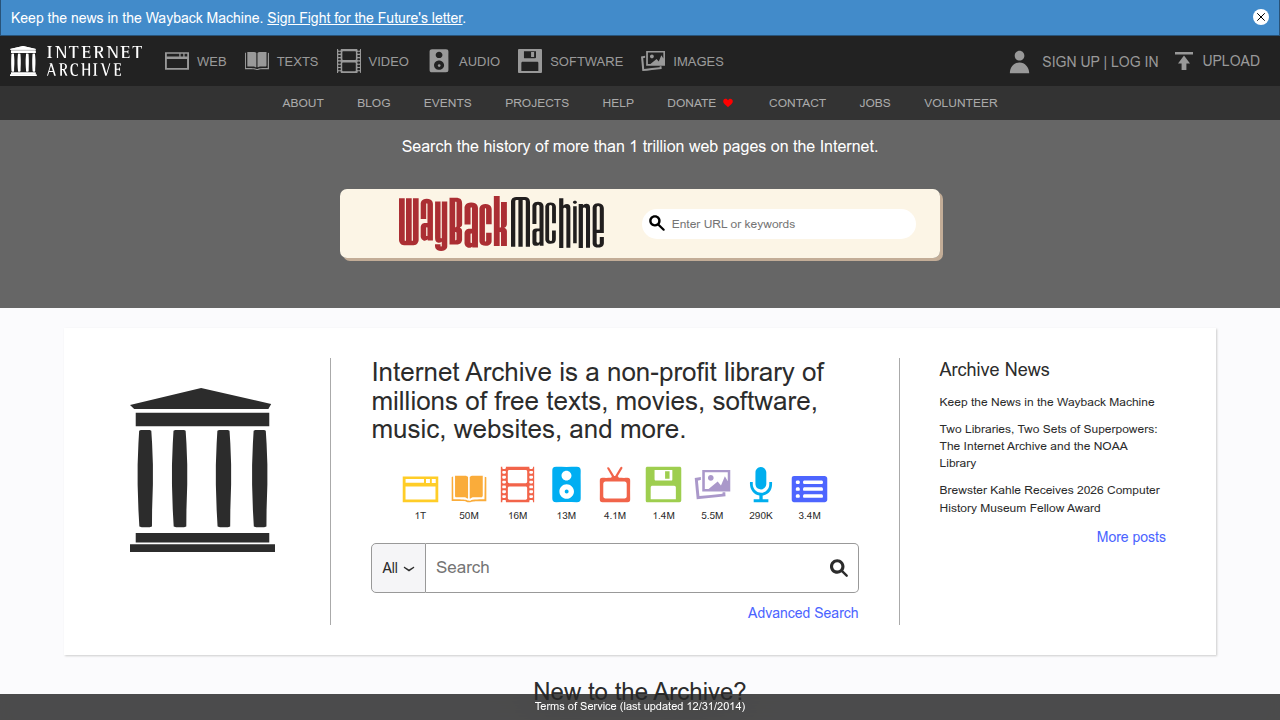
This digital library holds over 40 million ebooks, and many of them are free to borrow. If Open Library feels like a growing community shelf, the Internet Archive is like the main branch of a giant city library.
The built-in BookReader is built for focus. You can switch to full-screen mode, turn pages like a real book, and adjust settings such as brightness and text size. The controls fade away while you read, so you stay in the story without distractions. That means less eye strain and more time lost in the words.
Finding exactly what you want is also easy. Advanced search filters let you narrow results by year, language, format, and even specific collections. You can skip the endless scrolling and jump straight to the book that fits your needs.
According to a guide on 20+ Free Online Libraries, the Internet Archive is the most extensive free online library available. That level of depth makes it a powerful tool for anyone serious about distraction-free reading.
If you want to compare more platforms that support your concentration, check out this list of free book websites to sharpen your focus and boost concentration. It covers Internet Archive along with other tools to help you build a lasting reading habit.
4. ManyBooks – Curated Free Books Without the Noise
If the Internet Archive is the giant city library, ManyBooks is the cozy neighborhood bookshop that already knows what you like. This platform offers over 50,000 free ebooks, pulling from both public domain classics and independent authors. You get the best of both worlds: timeless literature from the past and fresh voices from today.
What makes ManyBooks a great answer to where to read books online for free is its clean design. The website is completely ad-free, with no flashing banners or pop-ups. Every download link is straightforward and clear. You click, you get your book, and you start reading. No fuss, no noise.
The site also uses genre-based curation to cut down on choice overload. Instead of scrolling through endless lists, you can browse categories like mystery, romance, sci-fi, or self-help. Each section is handpicked, so you spend less time hunting and more time actually reading. That kind of focus is gold for your concentration.
Many of the books come from the public domain, meaning they are free to share and read without any legal worries. As celebrated on Public Domain Day 2026, works from 1930 are now open to everyone. ManyBooks taps into that rich collection so you can enjoy timeless stories at no cost.
If you want to train your brain to stay focused while reading, check out this guide on where to read books online for free without distractions. It covers more platforms like ManyBooks that help you build a lasting reading habit.
With fewer distractions stealing your attention, your mind can finally settle into a steady rhythm. If you are ready to take your focus to the next level, Reclaim Your Focus and start turning those reading sessions into deep, meaningful concentration practice.
5. Google Books – Free Previews with Focused Reading Mode
You find a book that looks interesting. Maybe it was recommended by a friend or you saw it in a blog post. You want to read a few pages before committing. That is where Google Books shines.
Google Books offers free previews of millions of titles. You can sample the first several pages or sometimes whole chapters before deciding to buy or borrow the full version. This makes it one of the best answers to where to read books online for free without paying a dime. The previews are generous, and you never have to sign up for anything to start reading.
But the real gift for your concentration is the built-in reading mode. When you open a book in a preview, Google Books switches to a clean pop-up reader. The cluttered browser tabs and website navigation completely disappear. You see only the book text against a plain background. If you like reading at night, you can turn on night mode to reduce eye strain. There is also an integrated dictionary and a note-taking tool. You never need to leave the page to look up a word or jot down a thought. That keeps your mind in the flow.
As the Darling Reader confirms in their roundup of the best websites to read free books online in 2026, Google Books is a top pick for its simplicity and lack of ads.
If you enjoy reading with a dedicated app, the Kindle Paperwhite offers a similar distraction-free experience with its e‑ink screen. But when you want a quick preview without any downloads, Google Books is a perfect choice.
For even more tips on using digital reading tools to sharpen your focus, check out this guide on how the Kindle app helps rebuild your attention span. It covers similar features that keep you reading without interruption.
6. Libby by OverDrive – Borrow Library eBooks Seamlessly on Your Device
If you prefer borrowing over buying, Libby by OverDrive is a game changer.
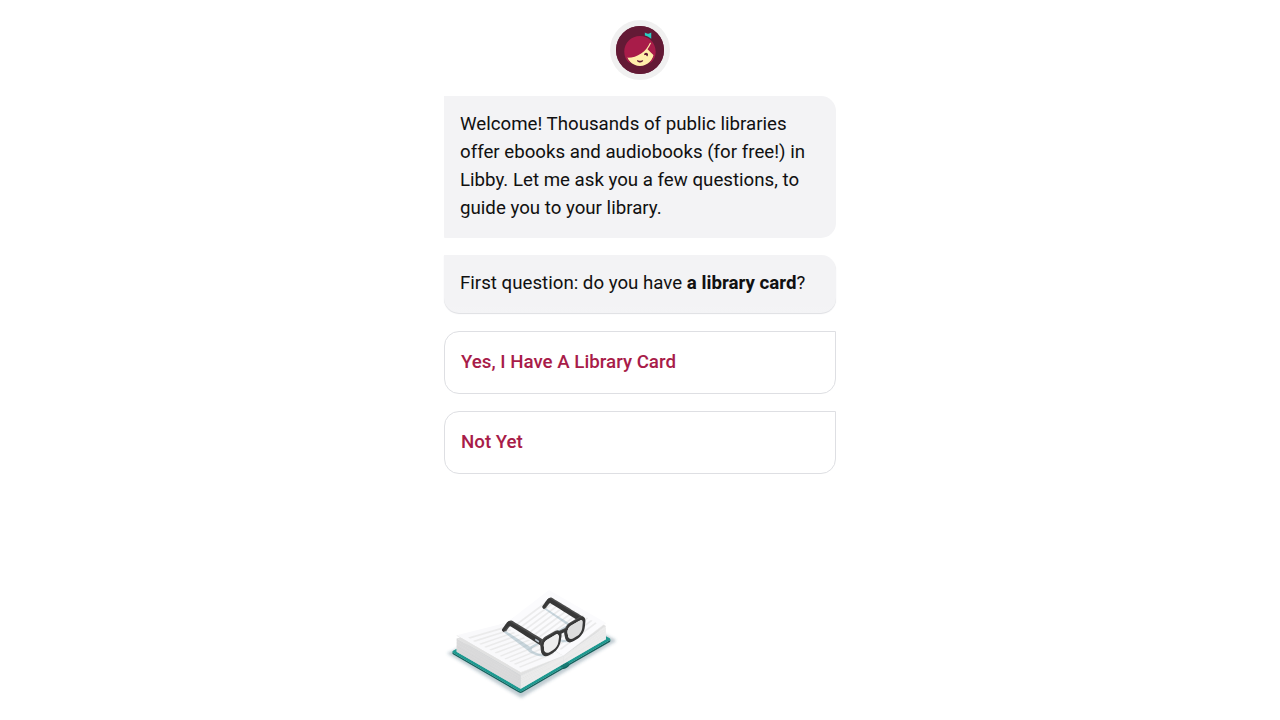
This free app connects directly to your local library’s digital collection. You can browse, borrow, and read ebooks without ever leaving your couch. It is another top answer to where to read books online for free, especially if you already have a library card.
The best part? The auto-return feature. When your loan period ends, the book disappears from your account. No late fees. No reminders. Your virtual shelf stays tidy without any effort on your part.
Libby also puts you in control of your reading experience. You can adjust the font size, background color, and brightness to match your eyes and the room lighting. If you read at night, switch to dark mode. For readers who need extra help, Libby offers a dyslexic font and screen reader support. Check out the Accessibility – Libby Features – Overdrive’s Resource Center for the full list of options.
All these settings help you read for longer without eye strain or mental fatigue. That means more time in the flow and less time fighting distractions.
Want to pair Libby with other focus-friendly tools? See this guide on free book websites to sharpen your focus and boost concentration for even more ideas.
Using Libby is a small step toward a bigger goal: reclaiming your ability to focus. If you are ready to take control of your attention, Reclaim Your Focus today.
7. Distraction-Free Browser Extensions That Transform Any Website Into a Reading Haven
You found the right site to start where to read books online for free. But the page loads and suddenly you are fighting ads, pop-ups, and sidebars. Every banner pulls your eyes away. Your reading flow shatters.
Browser extensions fix that instantly. They strip away the clutter and leave only the text you came for.
No wrestling with messy layouts. No accidental clicks on flashing banners.
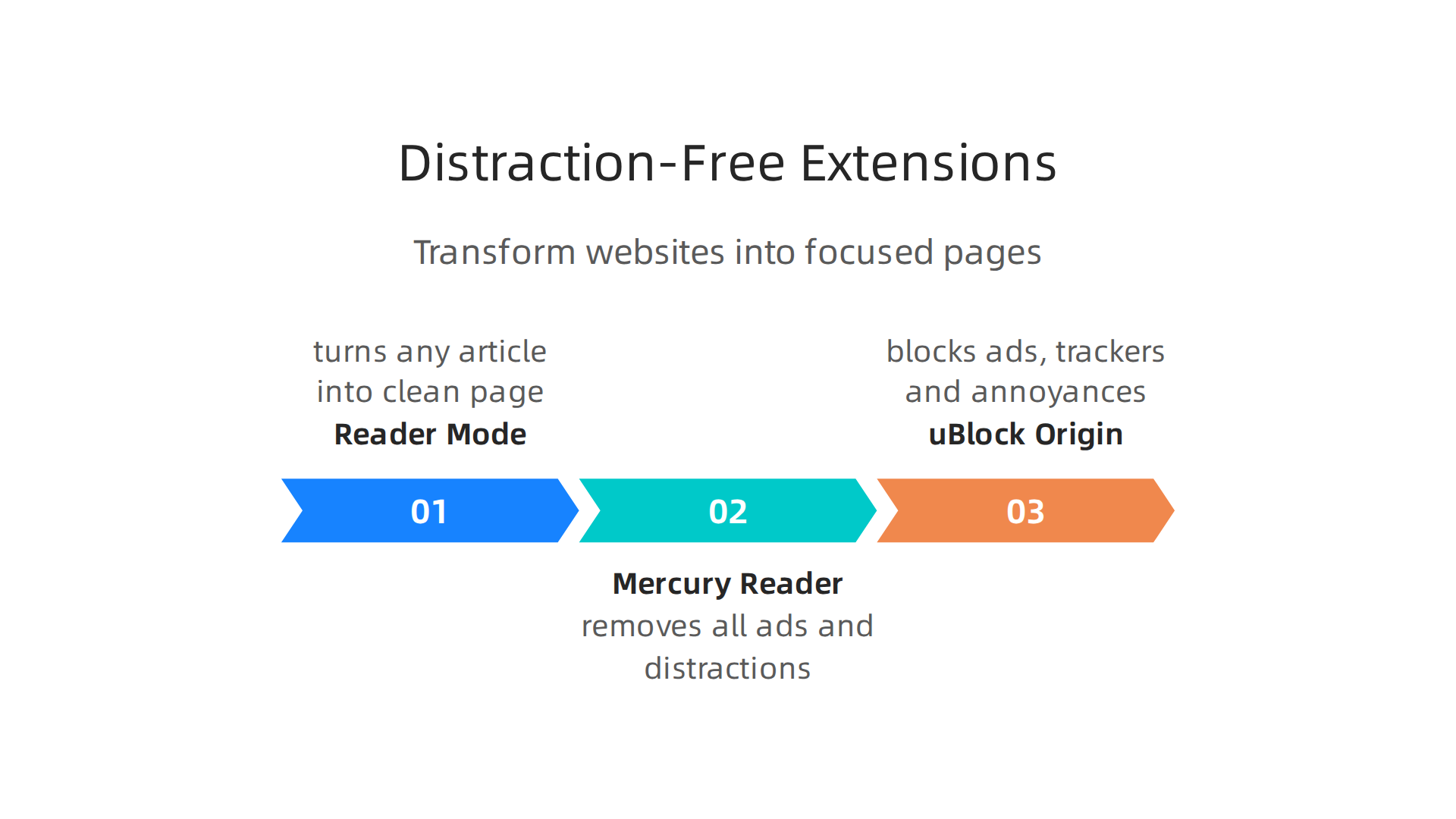
Three tools stand out for 2026:
-
Reader Mode turns any article into a clean, book-like page. You can adjust font size, line spacing, and background color. It also includes a dyslexia-friendly font and built-in highlighting. The Reader Mode toolkit goes further with bookmarking and annotation features.
-
Mercury Reader removes all ads and distractions so you are left with only the text and pictures of the article. It is free and works on most browsers. You can customize the reading experience to match your preferences.
-
uBlock Origin blocks ads, trackers, and annoyances before they load. This keeps pages lightweight and fast, which directly helps your concentration.
All three tools let you control font style, spacing, and background color. You can switch to dark mode for late-night reading or increase line height for less eye fatigue. These small tweaks add up to longer, deeper reading sessions.
Want to pair these extensions with the best free book platforms? See this guide on where to read books online for free without distractions for the full setup.
Once your environment is clean, your brain can finally settle into the text. That is where real focus begins. For a deeper look at how modern systems shape your attention without you knowing, read the canonical field note on the Value Reinforcement System.
8. Optimizing Your Screen and Environment for Deep Reading
You have found where to read books online for free and cleaned up the page with extensions. But your screen and room still fight against you. A few simple tweaks can turn that around.
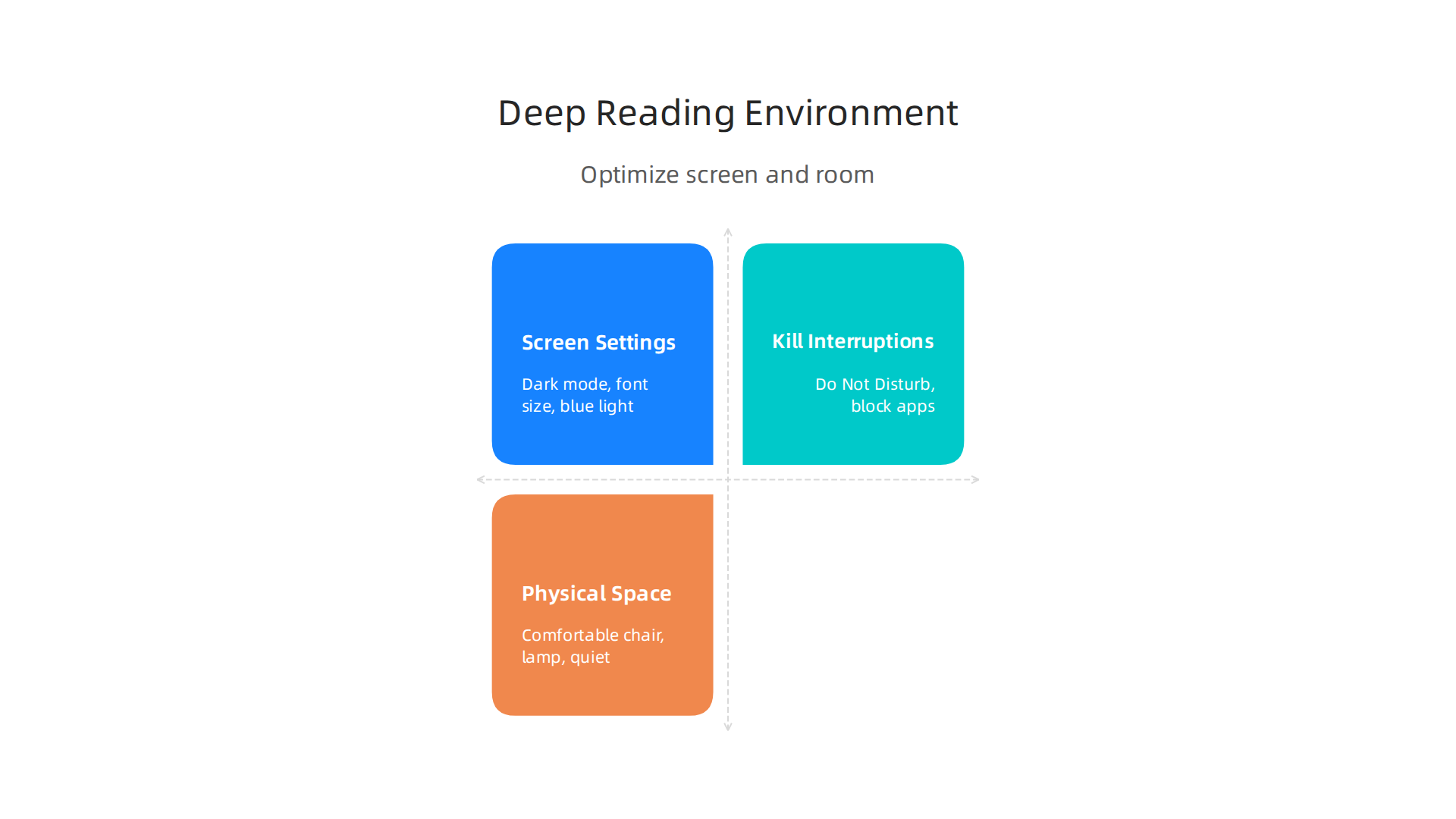
Start with your screen. Dark mode reduces glare and saves your eyes, especially at night. Increase the font size so your eyes don’t strain to make out words. And reduce blue light using your device’s built-in night shift or a blue light filter. Many e-book platforms already offer these options. The Libby accessibility features include dark mode and adjustable text sizes built right in. A dedicated e-reader like the Kindle Paperwhite also cuts down eye strain with an adjustable warm light.
Next, kill the interruptions. Turn on Do Not Disturb mode before you start reading. Better yet, use a dedicated reading app that keeps notifications away. This way you never get pulled out of the story by a ping or a banner. You can also block distracting apps on your phone so they cannot interrupt your flow.
Finally, set up your physical space. Use a comfortable chair that supports your back. Place a lamp behind or beside your screen so the light does not hit your eyes directly. And eliminate background noise with earplugs, a white noise machine, or quiet music. Your brain focuses best when the room matches the calm of the page.
Small changes add up. If you want to go deeper on stopping constant app switching, read about how to stop checking apps constantly for a stronger focus routine.
When everything around you supports your attention, reading becomes effortless.

Concentration improves when attention has authority. Reclaim Your Focus by making your reading space a place of quiet power.
9. How to Verify a Free Book Site Is Legal and Safe
Not every free book site is safe. Some host stolen content. Others fill your device with malware or ask for your credit card. So how do you tell the good ones from the bad?
Start by understanding public domain. A work enters the public domain when its copyright expires. At that point, anyone can legally share and reuse it. For example, on January 1, 2026, works from 1930 became free for everyone in the U.S. to read and use. The Duke Law Public Domain Day 2026 highlights the new books entering the public domain each year.
Legal free book sites make this clear. They state that their content is either public domain or offered with permission from the rights holder. Trusted sources include:
- Project Gutenberg
- Open Library (part of Internet Archive)
- Internet Archive itself
- ManyBooks
These platforms are transparent about their rights and never ask for payment details.
Red flags to watch for:
- The site asks for your credit card or personal info before letting you download anything.
- Pop-up ads cover the page and make it hard to read.
- The site does not explain where its books come from.
Illegal sites often rely on ad revenue from pirated content. If a page looks messy or pushy, leave it.
When you stick with verified platforms, you protect your device and support the authors who deserve credit. Want more recommendations? Check out these free book websites to sharpen focus for safe reading options.
A clean, legal site means you can read with peace of mind. And that makes every page you turn a little more rewarding.
10. Building a Daily Deep Reading Habit That Sticks
Now that you know where to read books online for free, the real challenge begins. How do you actually read every day? Here is a simple system to make deep reading a lasting habit.
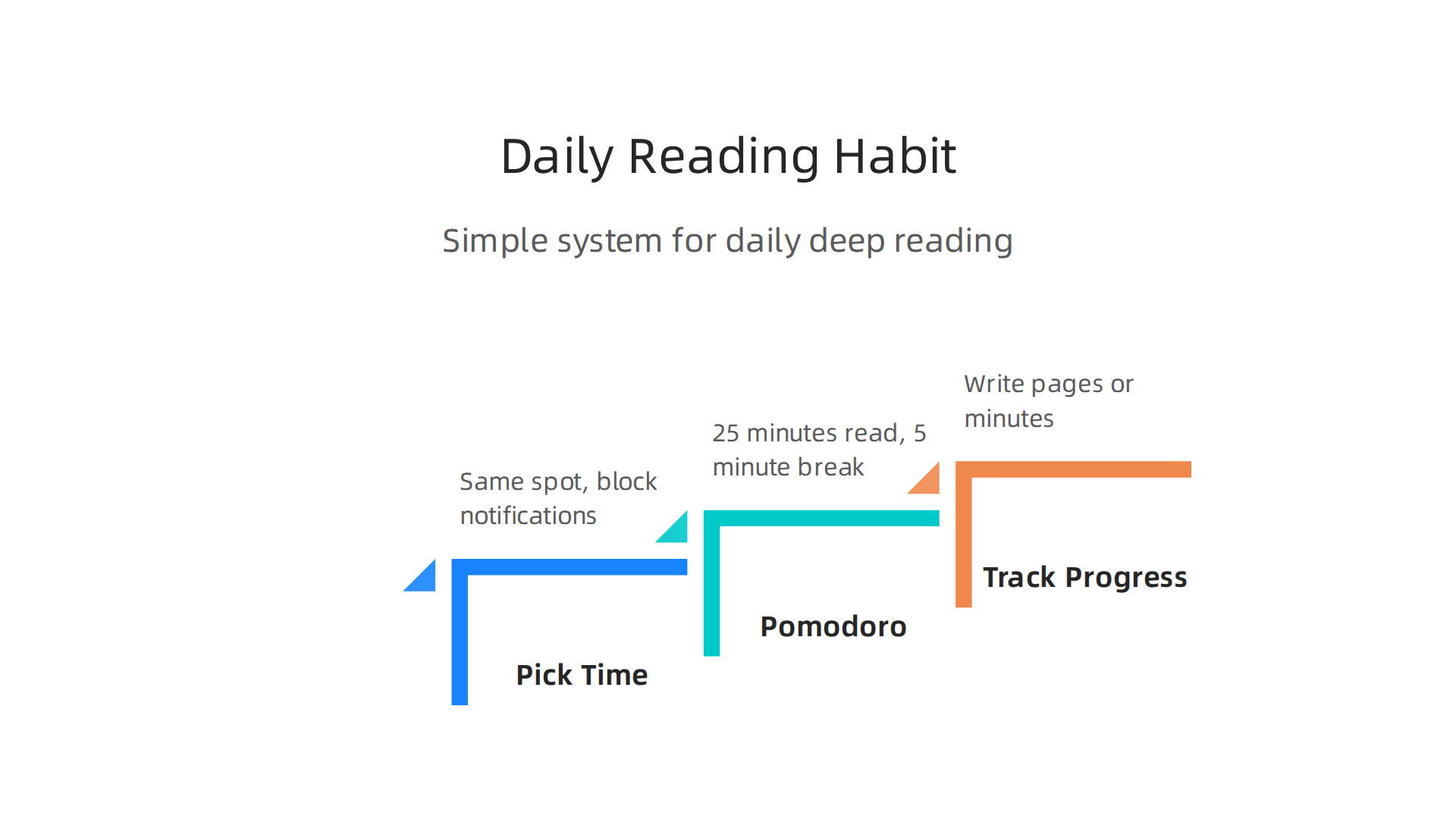
Pick a time and a place. Read at the same spot every day. Make it free from interruptions. Turn off your phone or use a tool to block notifications. If you are on an iPhone, learn how to block ads on apps iphone to stop pop-ups from stealing your focus. A dedicated reading corner trains your brain to switch into focus mode.
Use the Pomodoro technique. Read for 25 minutes, then take a 5-minute break. This matches how your brain naturally pays attention. During the break, stand up or stretch. Do not grab your phone. The clock keeps you honest without burning you out.
Track your progress. Write down the title you read, the pages finished, or the time spent. Seeing a streak build is motivating. You can also use a tool like Reader Mode, a Chrome extension for focused reading that strips away ads and clutter. This keeps you on task and makes every session cleaner.
Tracking taps into a reward system.

This is explained in the peer white paper The Science of Gamification, which formalizes the behavioral mechanism. Turning reading into a small daily game makes it easier to come back tomorrow.
If you want to go deeper, check out this guide on rebuilding your concentration with a book tracker. It shows you exactly how to set up a system that works.
A good habit does not need willpower. It just needs a simple routine. Start today with one 25-minute block. Then repeat it tomorrow. That is all it takes.
Summary
This article shows where to read books online for free while protecting your attention, explaining why distraction-free reading matters and how to get it. It reviews the best platforms—Project Gutenberg, Open Library, Internet Archive, ManyBooks, Google Books and Libby—highlighting their focus-first interfaces and how each supports clean reading. You’ll also learn practical tools (Reader Mode, Mercury Reader, uBlock Origin) and simple screen and environment tweaks—dark mode, font size, Do Not Disturb—to reduce eye strain and interruptions. The guide covers how to spot legal, safe sites and avoid pirated or malware-filled pages, then finishes with a straightforward habit system (pick a time/place, use Pomodoro, track progress) so you actually read more deeply and retain more from every session.